
Using Chat
Chat is the fastest way to interact with ChatNow’s AI Assistant.
You can ask questions, explore ideas, and continue conversations naturally — without setup or limits.
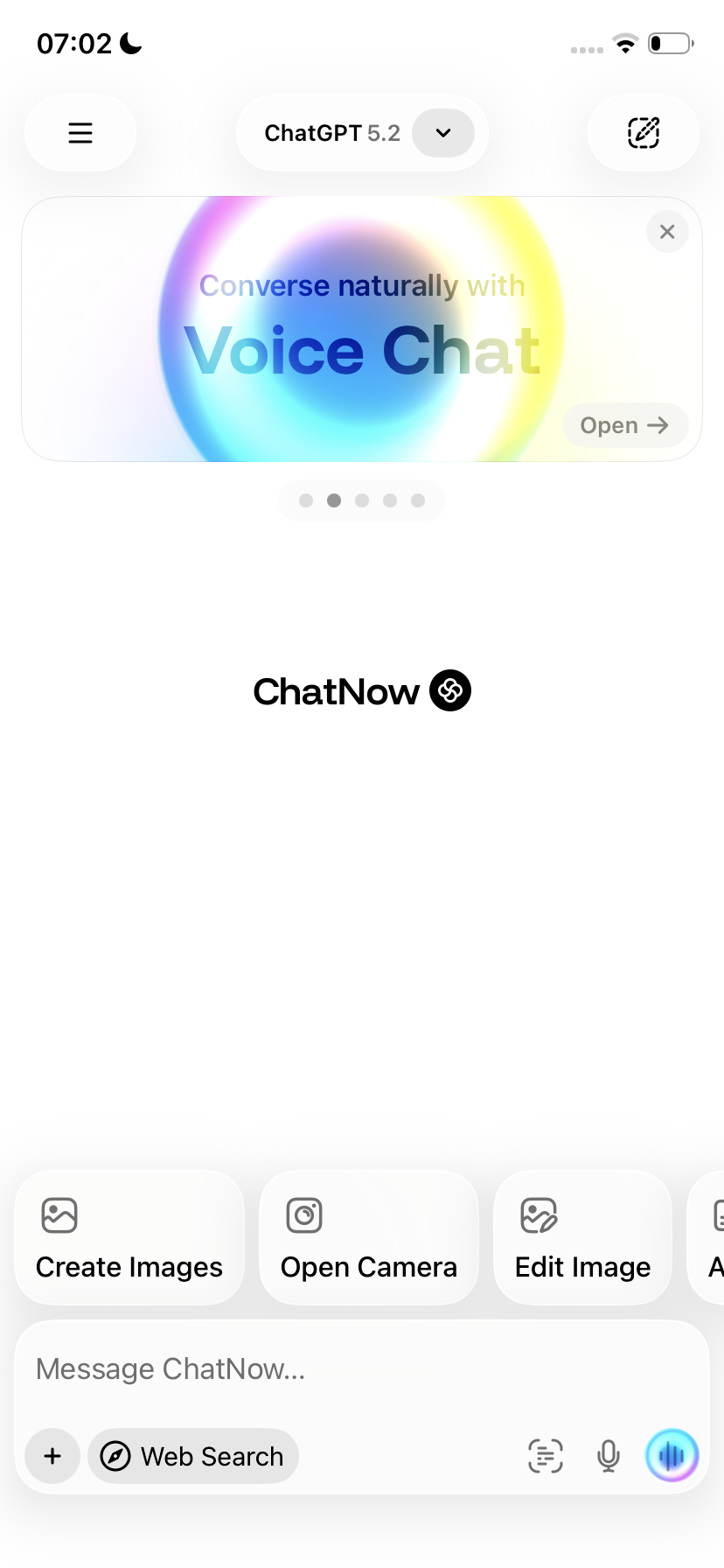
Starting a chat
To start using Chat:
Open AI Assistant (Chat)
Type your question or prompt
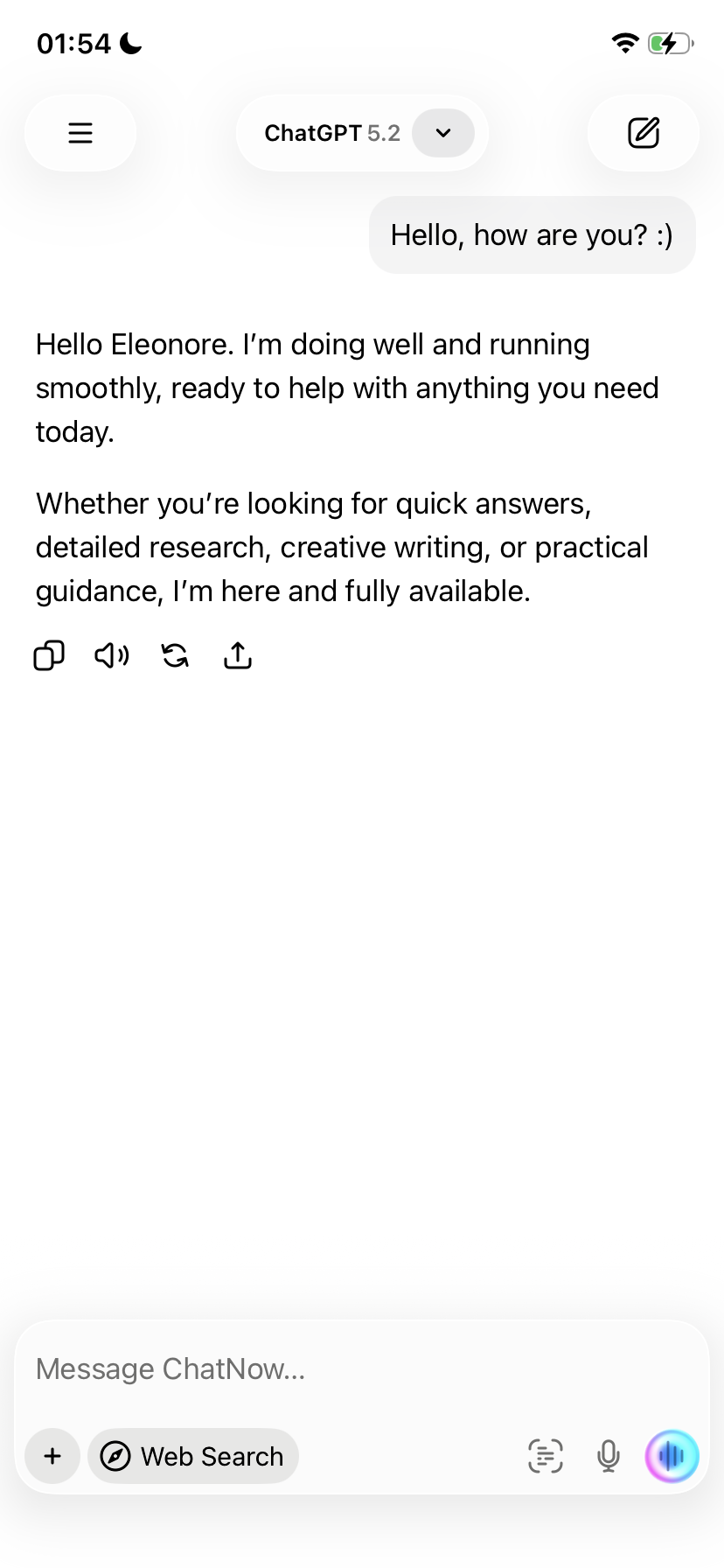
Send the message and review the response
Continue the conversation by replying or refining your request
Chat works best as an ongoing conversation rather than one-off commands.
How conversations work
Chat maintains context within the conversation.
This means you can:
Ask follow-up questions
Refer to previous answers
Refine or correct earlier responses
You don’t need to repeat information unless you want to change direction.
Choosing a model
ChatNow lets you choose between multiple AI models in Chat.
Different models can:
Respond differently to the same prompt
Be better at reasoning, creativity, or speed
Suit different types of tasks
There is no single “best” model for everything.
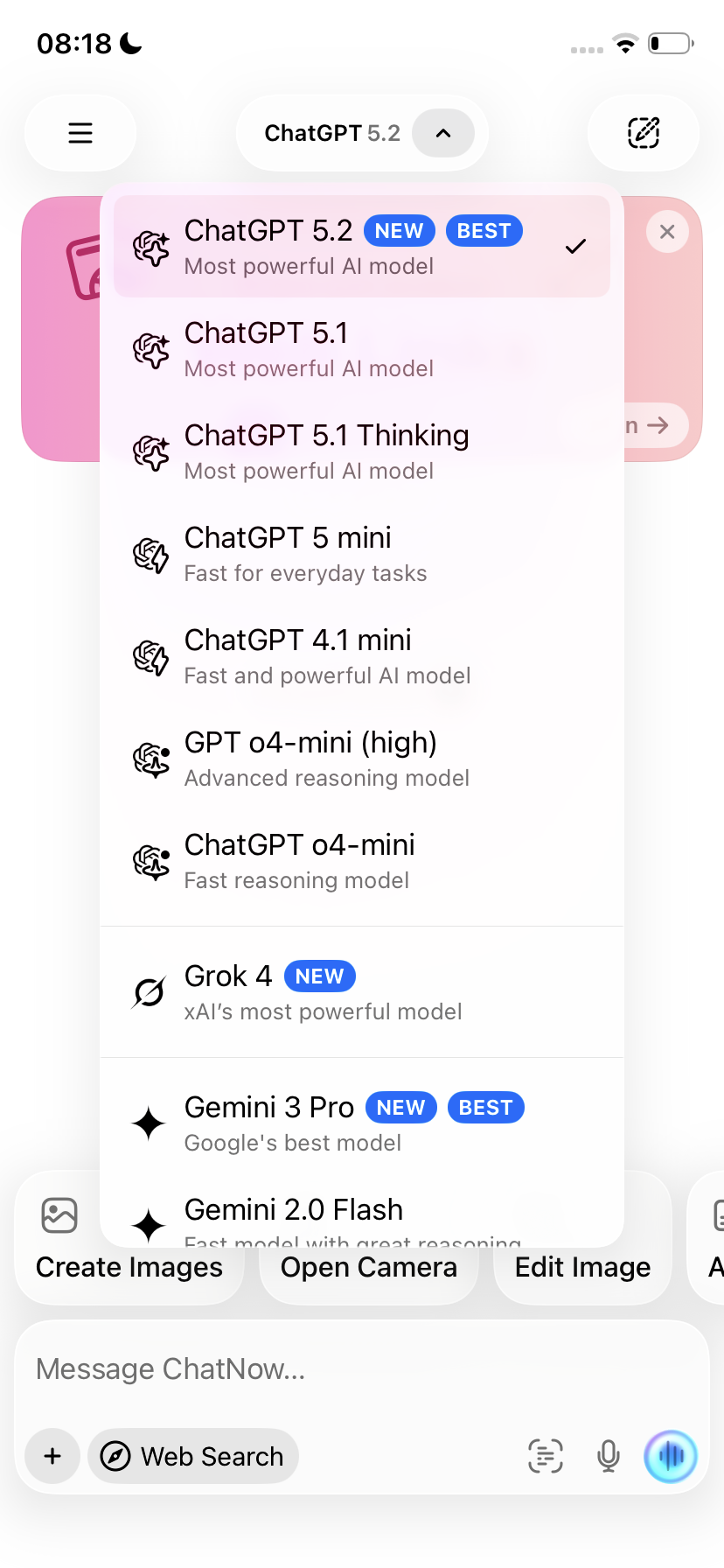
Switching models during a chat
You can switch models at any time.
When you switch models:
New messages use the newly selected model
Previous messages remain unchanged
Conversation context is preserved
Switching models is useful when:
You want a different style of response
You need more detailed reasoning
You want faster replies
Tips for better results in Chat
To get the most out of Chat:
Be clear and specific in your prompts
Add context if the topic is complex
Use follow-up messages to guide the answer
If a response isn’t helpful, rephrase instead of starting over
Chat is designed to be interactive — don’t hesitate to adjust your request.
What Chat is best for
Chat works best when you want to:
Get quick answers
Brainstorm ideas
Think through a problem
Get explanations or suggestions
Work iteratively through a topic
What Chat is not designed for
Chat is not the best choice when:
You want to generate images or videos → Creative Studio
You want to build interactive demos or prototypes → Playground
Common questions
Does Chat use credits?
No. Chat and text conversations are unlimited and do not use credits.
Can I use Chat on multiple devices?
Yes. Access depends on how you subscribed, but Chat works the same once you’re signed in.
Does switching models reset the conversation?
No. The conversation stays intact when you switch models.
Troubleshooting
If Chat isn’t responding or generating output, see: