
What is the AI Assistant (Chat)?
The AI Assistant is the core of ChatNow.
It’s designed for fast, natural conversations with powerful AI models — without setup, limits, or credits.
If you’re new to ChatNow, this is the best place to start.
What the AI Assistant is
The AI Assistant lets you chat with advanced AI models to:
Ask questions and get clear answers
Brainstorm ideas
Get explanations, summaries, or suggestions
Think through problems step by step
Continue conversations with context
Chat is optimized for speed, simplicity, and everyday use.
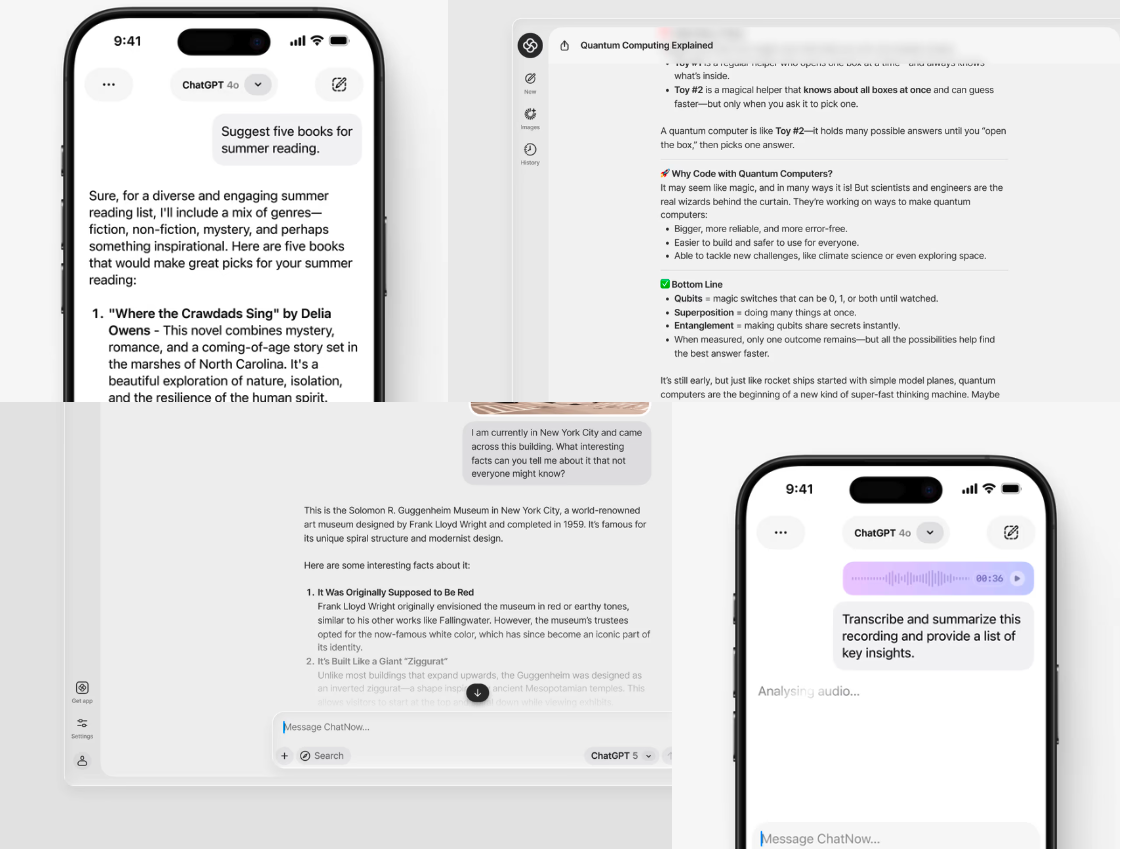
Unlimited chat
Using the AI Assistant does not consume credits.
Text-based chat is unlimited
You can send as many messages as you want
There’s no usage cap for conversations
Credits are only used for image and video generation in Creative Studio.
Multiple AI models, one interface
ChatNow supports multiple AI models in the AI Assistant.
This means you can:
Choose different models depending on your task
Compare how models respond
Switch models when needed
Different models may have different strengths, but the chat experience stays consistent.
How conversations work
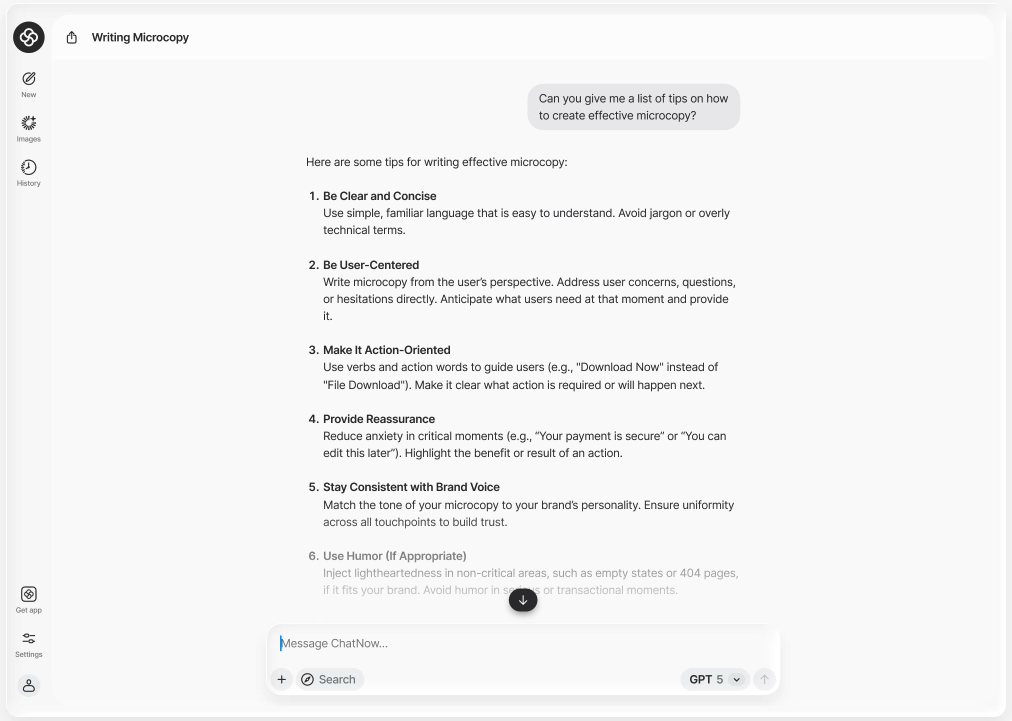
The AI Assistant maintains context within a conversation.
This allows you to:
Ask follow-up questions
Refine answers
Build on previous messages naturally
You don’t need to restate everything — just continue the conversation.
When to use the AI Assistant
Use AI Assistant (Chat) when:
You want quick answers
You’re exploring or brainstorming ideas
You want explanations or guidance
You prefer a conversational experience
You may want to use something else when:
You want to build an interactive prototype → Playground
You want to generate images or videos → Creative Studio
Common questions
Does the AI Assistant use credits?
No. Chat and text conversations are unlimited and do not use credits.
Is this the same as Playground?
No. Playground is for generating interactive prototypes. The AI Assistant is for conversation and thinking.
Can I use the AI Assistant for professional work?
Yes. Many users use it for writing, research, planning, and decision-making.
If something doesn’t work
If the AI Assistant isn’t responding or generating output, see:
What next?
Learn how to use the AI Assistant effectively in Using Chat, or explore other tools like Playground and Creative Studio.